The EM Data Lifecycle: Create, Manage, Enrich, Export
▶ The EM Data Lifecycle: Create, Manage, Enrich, Export (~~3 min)
Prerequisites
Overview
The four-phase EM workflow: creating data, managing data, enriching data, and exporting data. EM can start from various sources — historical photos, drawings, 3D surveys — but 3D models are the ideal starting point.

The four-phase EM data lifecycle: Create, Manage, Enrich, Export.
Key Concepts
The four phases: Create → Manage → Enrich → Export.
EM works with any source: historical photos, drawings, geophysical data, or 3D surveys.
3D models are the ideal starting point because they are the most information-rich.
A playground dataset is available to practise with each workflow step.
Screenshots
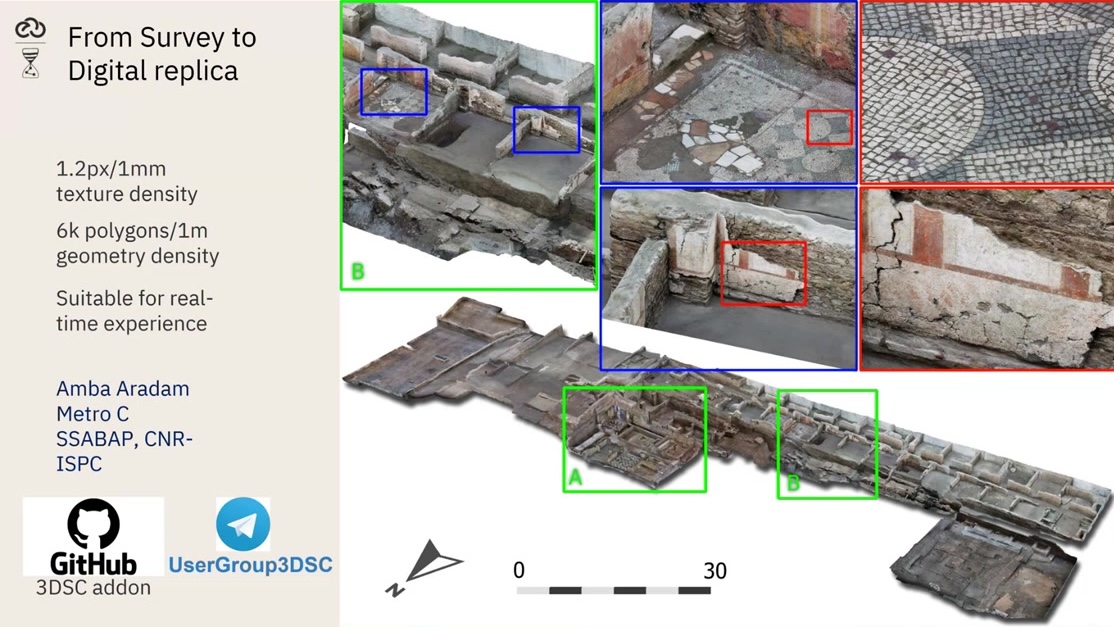
Supported source types: historical photos, drawings, 3D surveys.

A 3D model is the richest starting point for an EM workflow.
Try It Yourself
Download the EM playground dataset from the ExtendedMatrix GitHub releases page.
Note
A video walkthrough for this tutorial will be available on the Extended Matrix YouTube channel.
See also
3D Survey Collection: LOD in Blender