EM Language: Canvas, Metadata and Epochs
▶ EM Language: Canvas, Metadata and Epochs (~~4 min)
Prerequisites
Overview
The EM canvas is the root container for all data. It carries metadata fields (human ID, author, ORCID, licence, embargo) that propagate to all leaf nodes. Epochs are swim-lane containers representing chronological or interpretive phases — they do not require absolute dates.
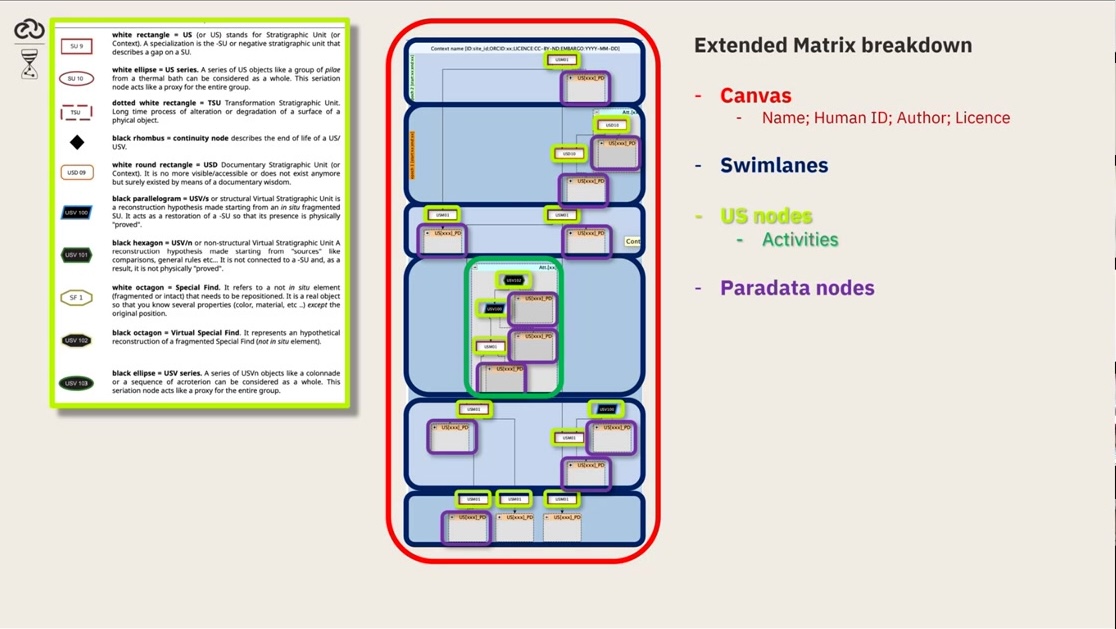
A fictional EM canvas showing all metadata fields.
Key Concepts
The canvas is the root node of every Extended Matrix.
Metadata set on the canvas propagates automatically to all child nodes.
Epochs are interpretive containers — they can be relative phases, not just calendar dates.
Periodization is an act of interpretation and must be traceable via paradata.
Screenshots
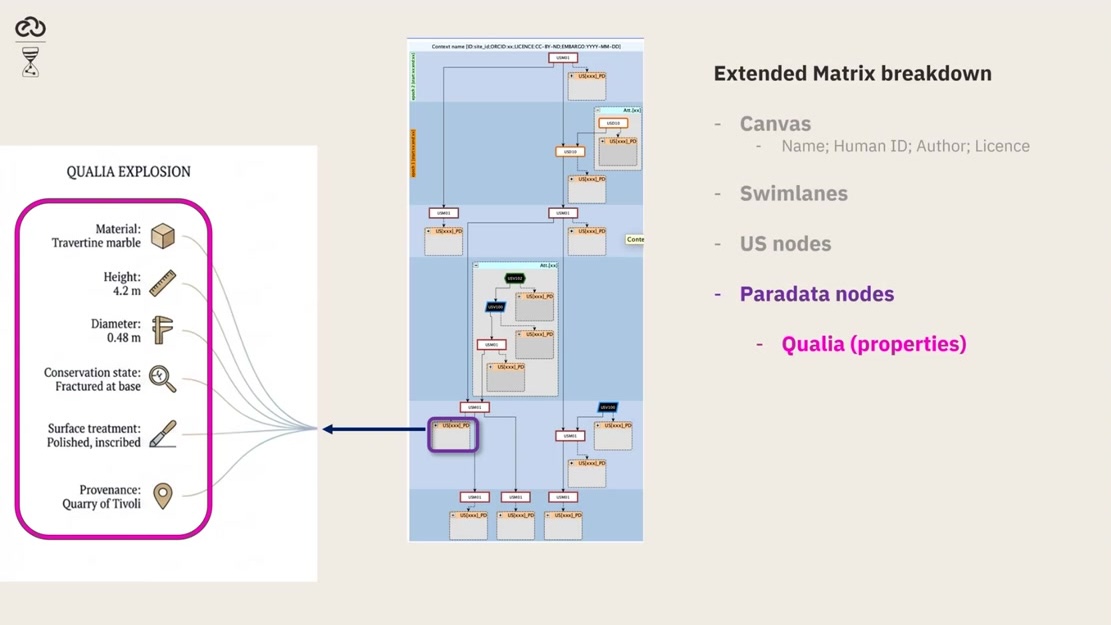
Metadata fields: ORCID, licence type, and embargo date.
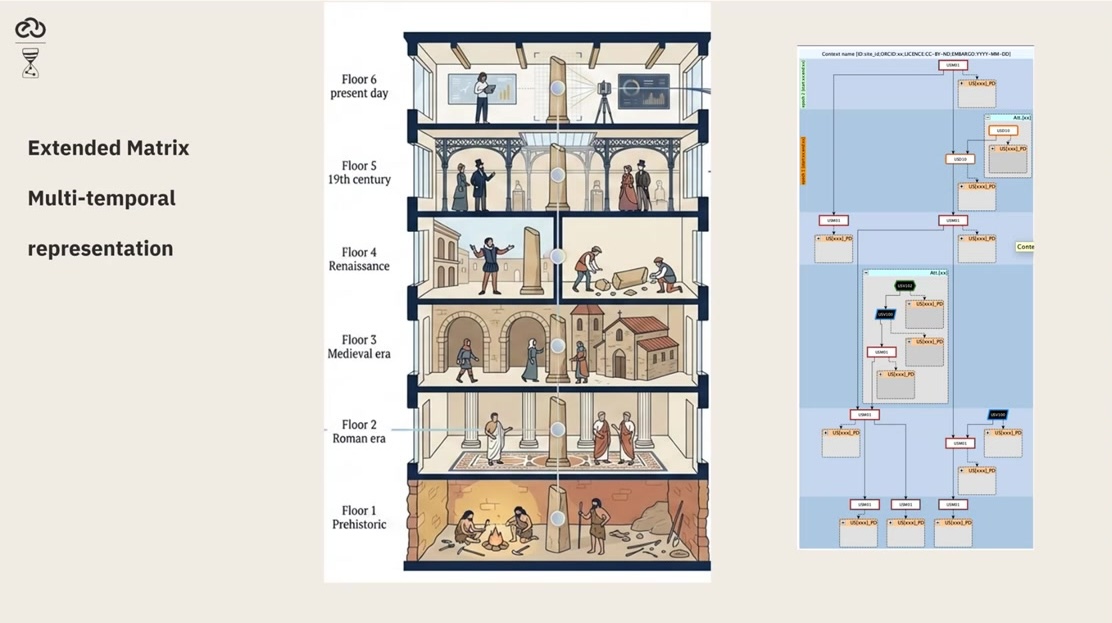
Epochs displayed as swim lanes in the yEd graph editor.
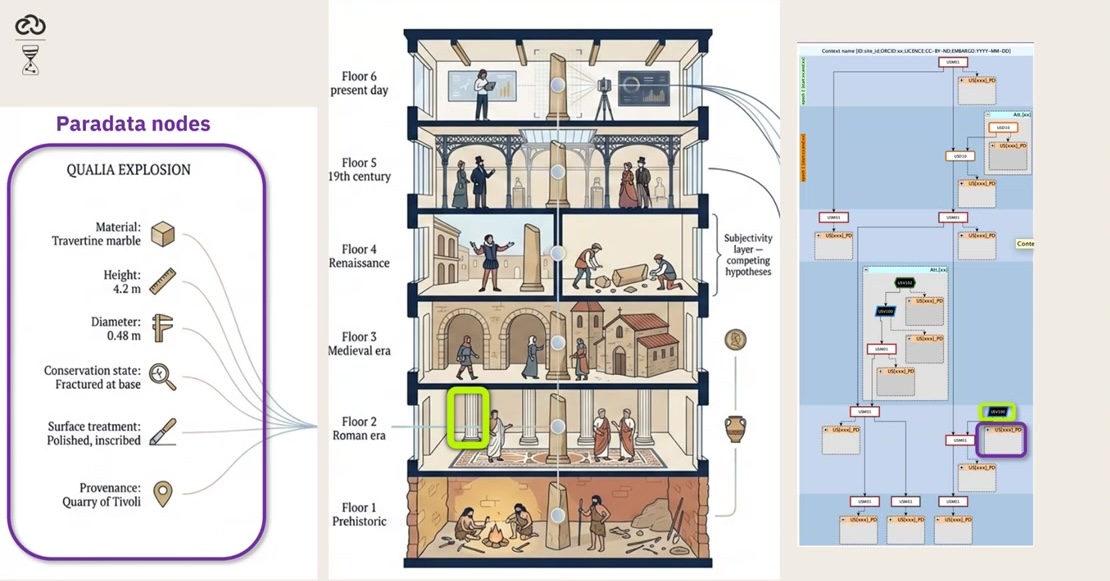
Metadata propagation from canvas to all leaf nodes.
Try It Yourself
In yEd, create a new canvas with your site code as the human ID and add two epochs: one for construction, one for destruction.
Note
A video walkthrough for this tutorial will be available on the Extended Matrix YouTube channel.
See also
Creating Your First Extended Matrix