Site-Scale LOD and Data Preparation
Todo
Embed YouTube video — placeholder slug 04_3dsc_site_scale.
Once the recording is uploaded, replace this todo with a
.. raw:: html iframe pointing at the real YouTube video ID.
Working title: Site-Scale LOD and Data Preparation (~~4 min).
Prerequisites
Overview
Working at site scale with hundreds of objects. Bulk LOD switching lets you maintain all objects at a low-poly level and promote individual elements to full detail on demand. The 3DSC also imports CAD and GIS data, enabling geo-referenced multi-source integration inside Blender.
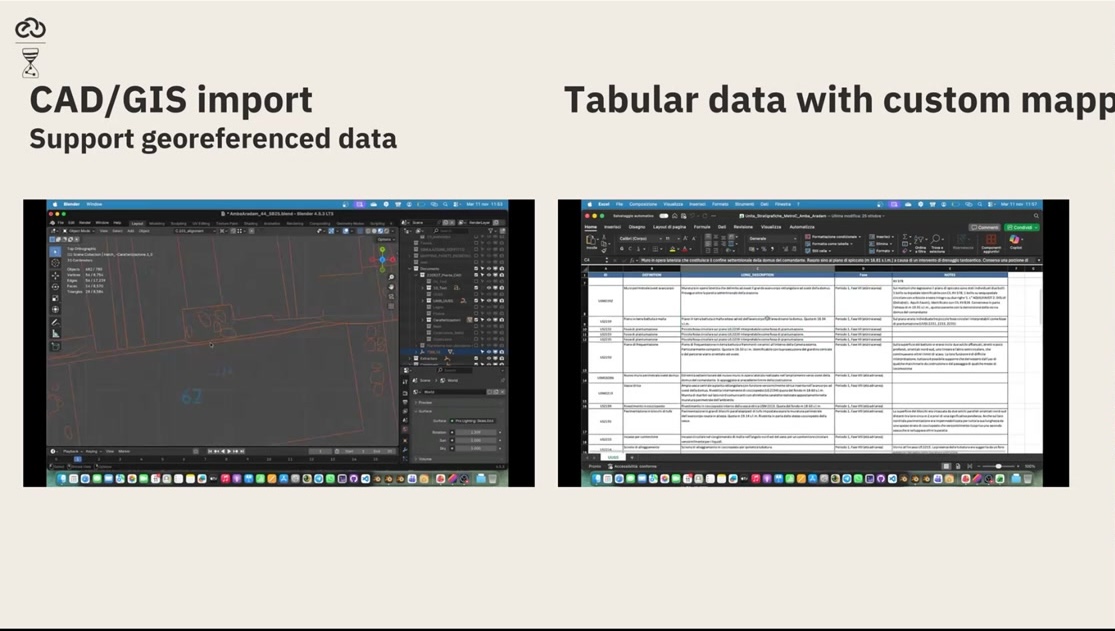
Fig. 7 Archaeological site overview with all objects at low LOD.
Key Concepts
Bulk LOD switching: set all scene objects to low-poly with a single operation.
Promote individual elements to high-detail when inspecting specific features.
CAD/GIS import: bring geo-referenced data directly into the 3D scene.
The approach scales from a single artefact to thousands of square metres.
Screenshots

Fig. 8 Runtime LOD switching: promoting selected objects from low to high detail.
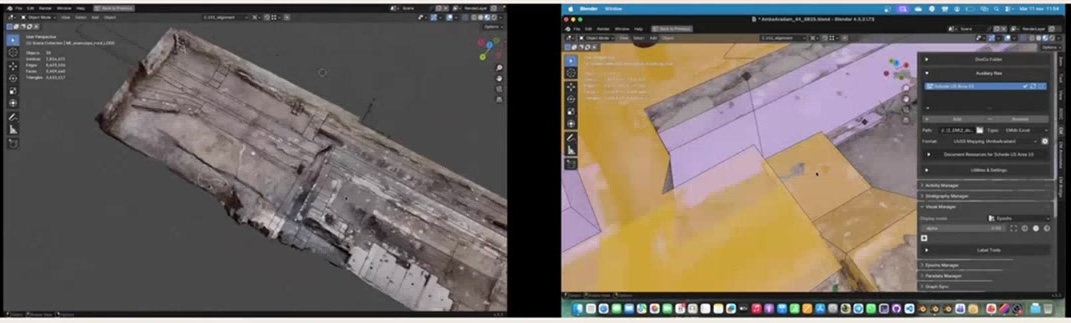
Fig. 9 Bulk LOD change panel: set all scene objects to a single LOD level.
Try It Yourself
Load the Great Temple scene from the playground dataset, set all objects to LOD Level 1, then promote a single column to LOD Level 4.
Note
A video walkthrough for this tutorial will be available on the Extended Matrix YouTube channel.
See also