Tile texturing
After tiles has been created, if 3D data are related to a photogrammetric dataset processed with Metashape, the Extended Matrix Framework consents to use a semi-automatic procedure that allows to import each tile within Metashape to create a new texture.
The following steps need to be completed to use the script.
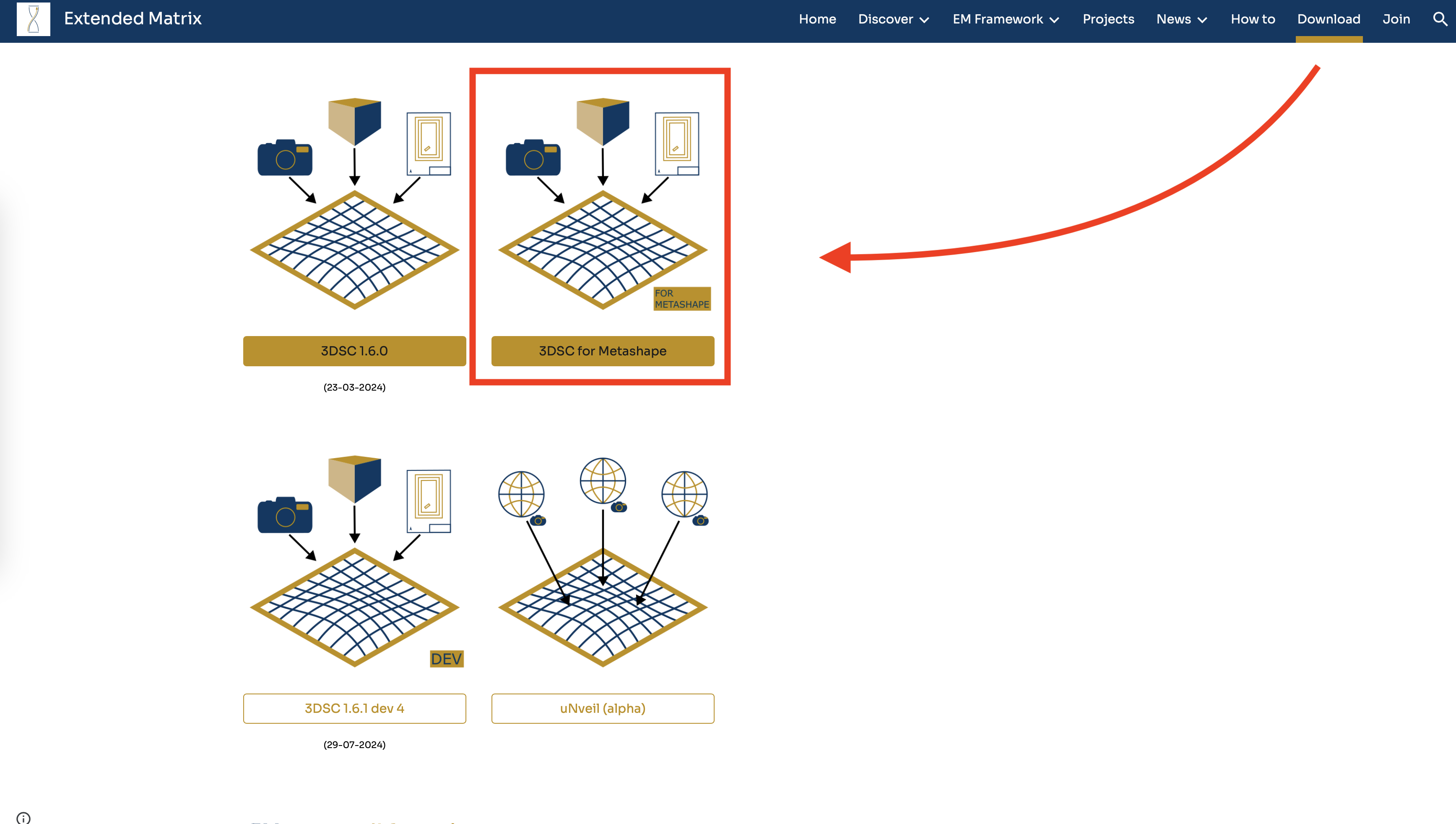
Fig. 48 How to reach the download button of the script 3DSC for Metashpe within the Extended Matrix webpage
Download the script (3DSC for Metashape) from GitHub. The link to the webpage of the script can be reached from the Download section of Extended Matrix website (https://www.extendedmatrix.org/download). In GitHub , to download the script the user must click on the Code green-button and press Download ZIP.
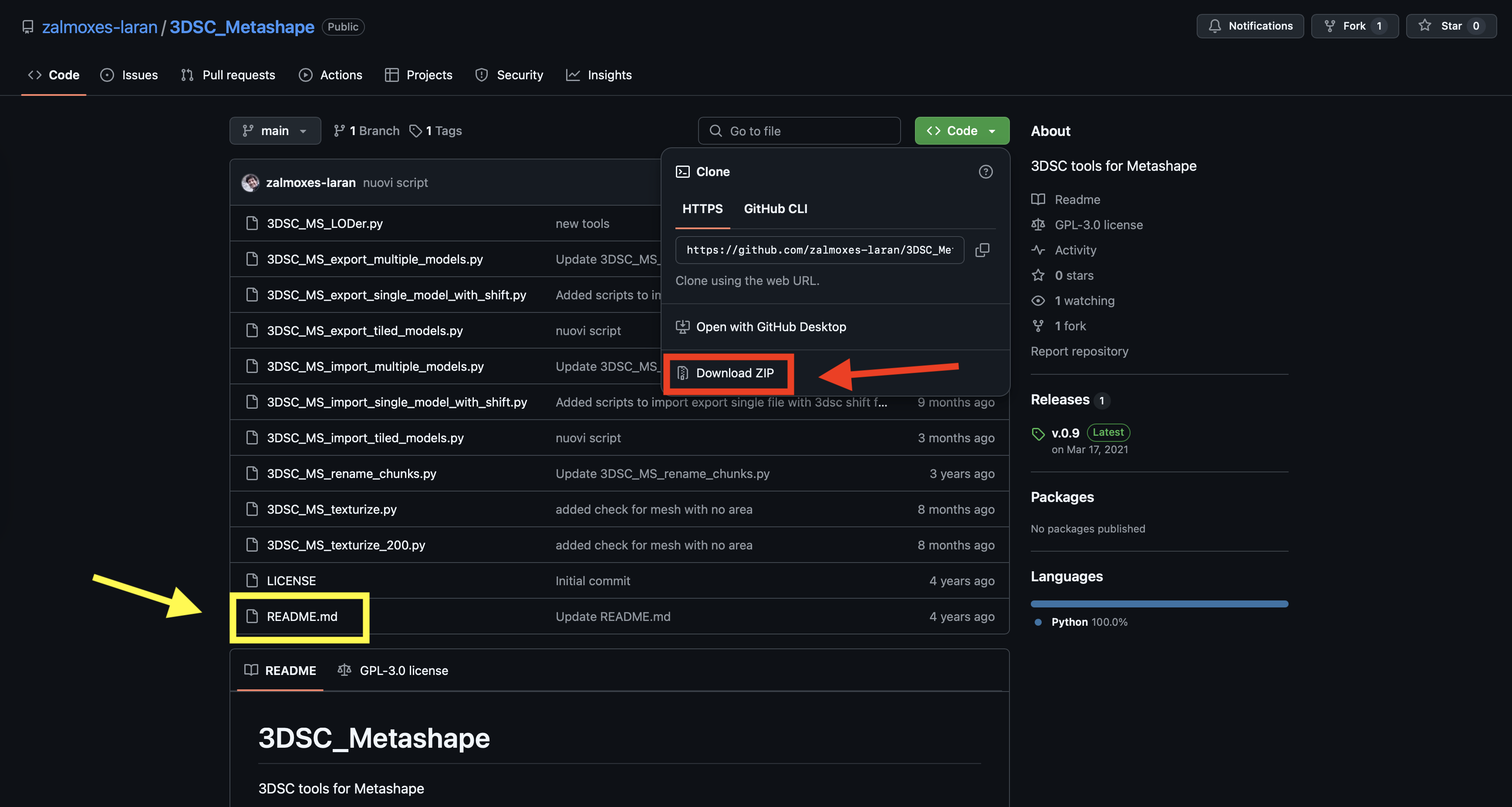
Fig. 49 GitHub webpage where the user can download the 3DSC for Metashape script. The red rectangle highlights the button that allows to download the zip folder of the script. The yellow rectangle highlights the file which contains instructions.
Within the unzip-folder (the user must unzip the folder to use the script) the readme.md file contains the useful instructions to correctly use the script in Metashape.
Remember
When textures are created outside Blender and may later be re-imported and modified within Blender, it is recommended to save them as .png instead of .jpg to avoid texture data loss. While this approach may increase file size (in terms of data storage), it will help preserve the quality and prevent information loss.
See also
Complete Workflow: For a complete end-to-end workflow from photogrammetry to stratigraphic annotation using LOD Generator, Segmentation, and other 3DSC tools, see Digital replica preparation.